AI workflow automation · for bookkeepers
Stop typing invoices. Start reviewing them.
Drop a folder of PDF invoices in. Get one CSV for Excel out. The AI reads every layout, and the code checks every number before it can reach your books.
PythonGoogle GeminiCSV for ExcelText PDFs
01
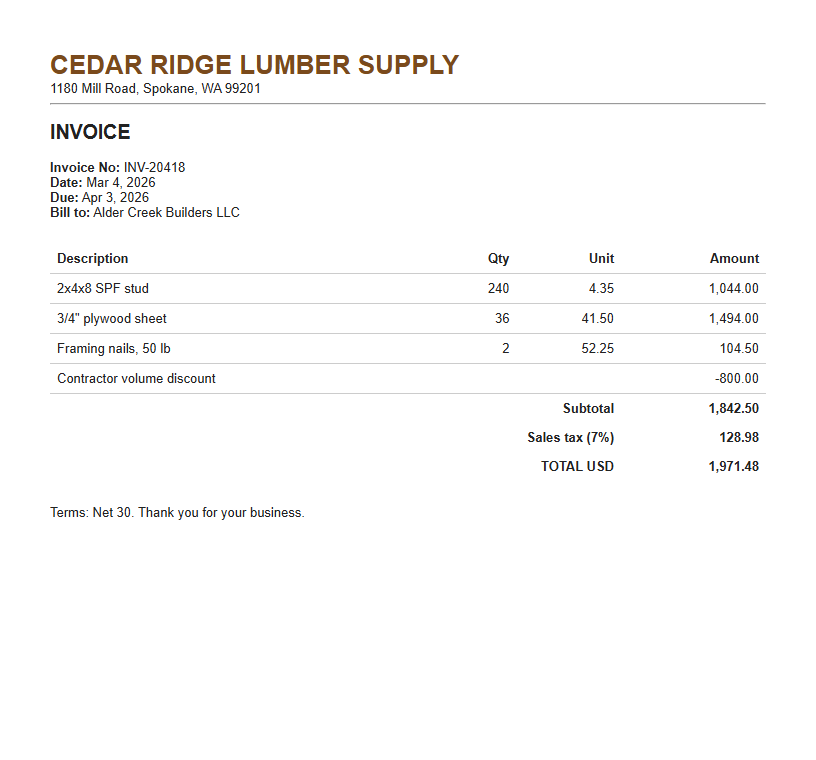
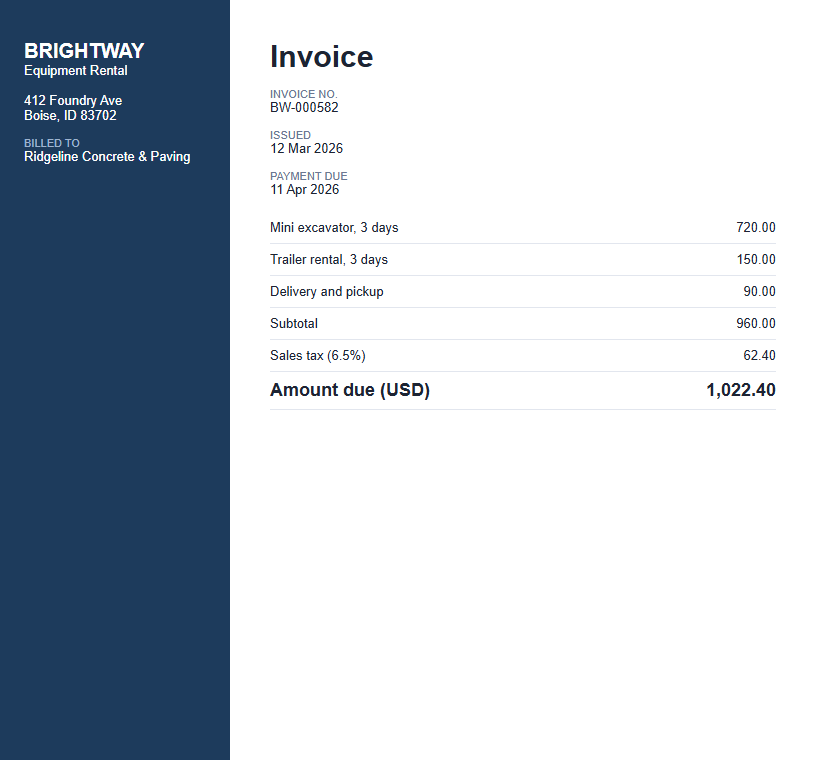
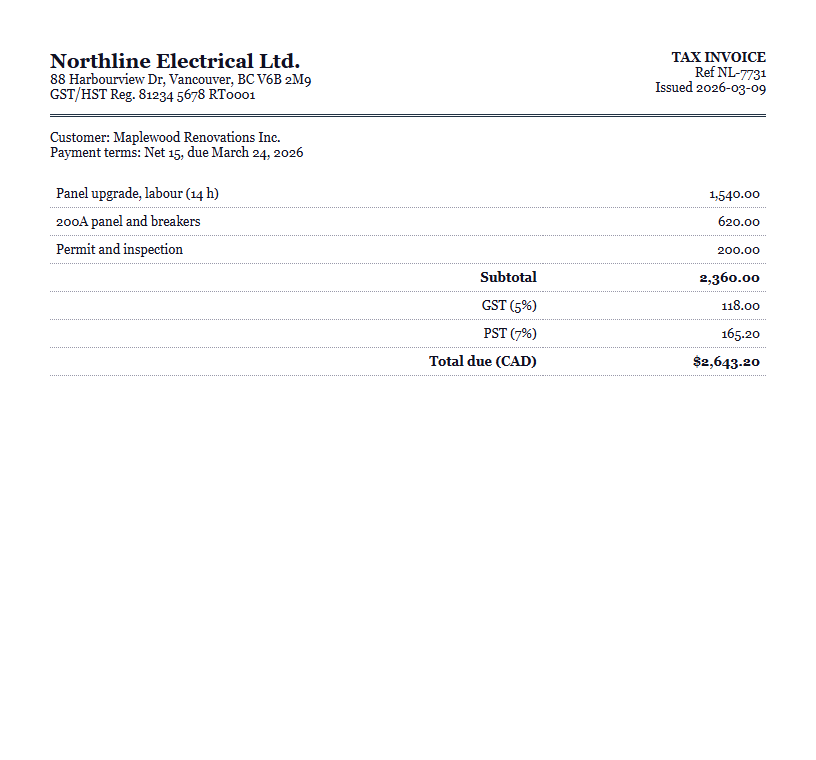
Every layout, no template
Each vendor formats invoices differently. The AI reads the text of the PDF, so a new vendor needs no setup.
02
The code does the maths
Subtotal plus tax must equal the total. That sum is calculated by the script, never by the AI.
03
Doubt gets flagged
Missing field, wrong total, a number the AI made up: the row says "needs review" and tells you why.
Built around one worry
"I don't want to trust AI on the numbers."
So the AI is only the reader. Five checks run in plain code on every invoice, and a failed check can never pass quietly.
- Subtotal + tax = totalCalculated in code. Off by more than one cent gets flagged.
- Every amount is on the pageIf the AI returns a number that is not written in the PDF, it is flagged.
- Every date is on the page"Due on receipt" is not a date, and the script will not accept an invented one.
- No missing fieldsAll 8 fields are required, with valid dates and a 3-letter currency.
- Scans are skipped, not guessedPDFs with no text are listed in the log so you can enter them by hand.
Real run, real output
7 sample invoices. Seven different layouts.
These came from running the script on fictional invoices with the live AI. Nothing here is mocked.
Included
- Folder of text PDFs in, one CSV out
- Vendor, invoice number, dates, subtotal, tax, total, currency
- Dates as YYYY-MM-DD, opens cleanly in Excel
- "Needs review" flags and a log file
- README with setup, options, how to change fields
Not included
- Scans and photos (no OCR). They are logged and skipped
- Gmail, Google Sheets, accounting software
- AI fees: you pay Google directly, set a spending limit
- A promise of 100% accuracy. Flags exist for a reason